Any menu, live on Innowi without retyping a single item.
Upload a spreadsheet, a PDF or a photo of the menu, or paste an UberEats, DoorDash or website link. Categories, items, prices and options come out ready to review, and go to the branch in one step. Then make the photos, kiosk slides and banner to match.
- Classic Smash Burger2 option groups$11.50
- Crispy Chicken SandwichSpice level$10.25
- Loaded FriesAdd-ons$6.75
- Iced Matcha LatteSize · Milk$5.25
Illustration of an extracted menu.
Menu sources: Clover export, Innowi export, Excel & CSV, PDF menus, Menu photos, UberEats link, DoorDash link, Innowi online ordering, Any restaurant website.
From a file to a live menu in four steps.
- 01
Bring the menu
A POS export, a spreadsheet, a PDF, photos of the printed menu, or a link to the restaurant's ordering page.
- 02
Extract
Structured exports are read exactly as they are. AI only fills the gaps, like an item that arrived without a category.
- 03
Review
Edit items, prices and options, ask the AI assistant for changes, or send the owner a link to review it themselves.
- 04
Publish
Categories, items, taxes and modifiers are saved to the branch in one step, in the order you arranged.
The photos and screens to match.
Once the menu is in, the same place makes everything a customer sees around it, in Marketing's designs, previewed before anything goes live.
AI food photos, in bulk
Every item photo restyled in one of Marketing's looks, or your own prompt. Review them before anything goes live.
Kiosk slides
Pick a design, write the headline, see it live. The dish is blended into the design and the payment strip is added for you.
Online ordering banner
Up to five dishes composed into one wide banner for the ordering site, previewed on desktop and phone.
Descriptions and a gallery
Short, appetising item descriptions in one click, and every original and enhanced photo kept in one place.
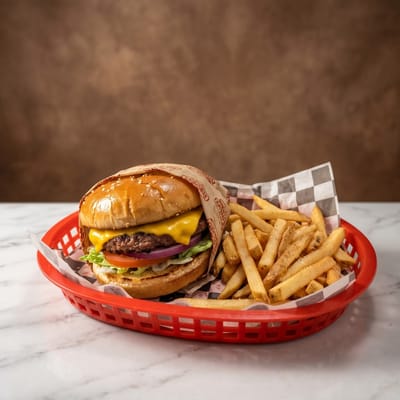
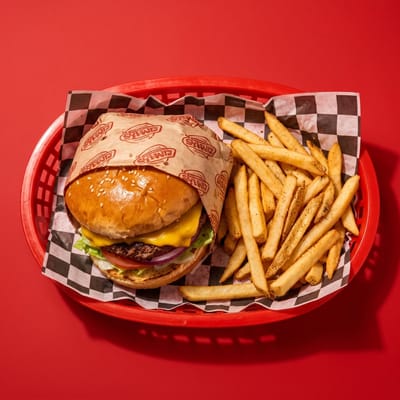
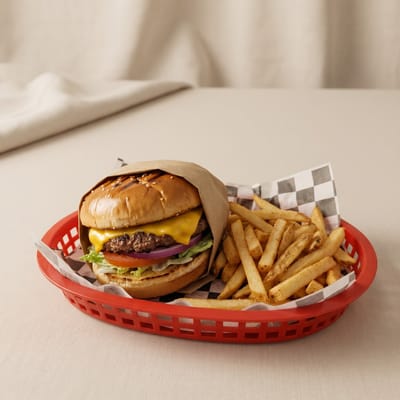
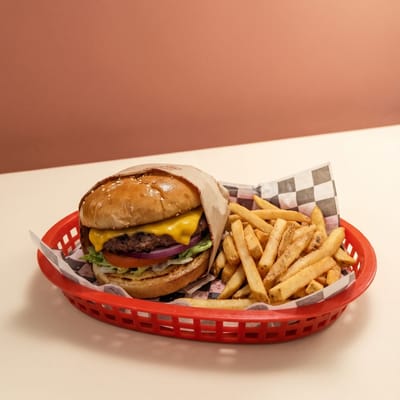
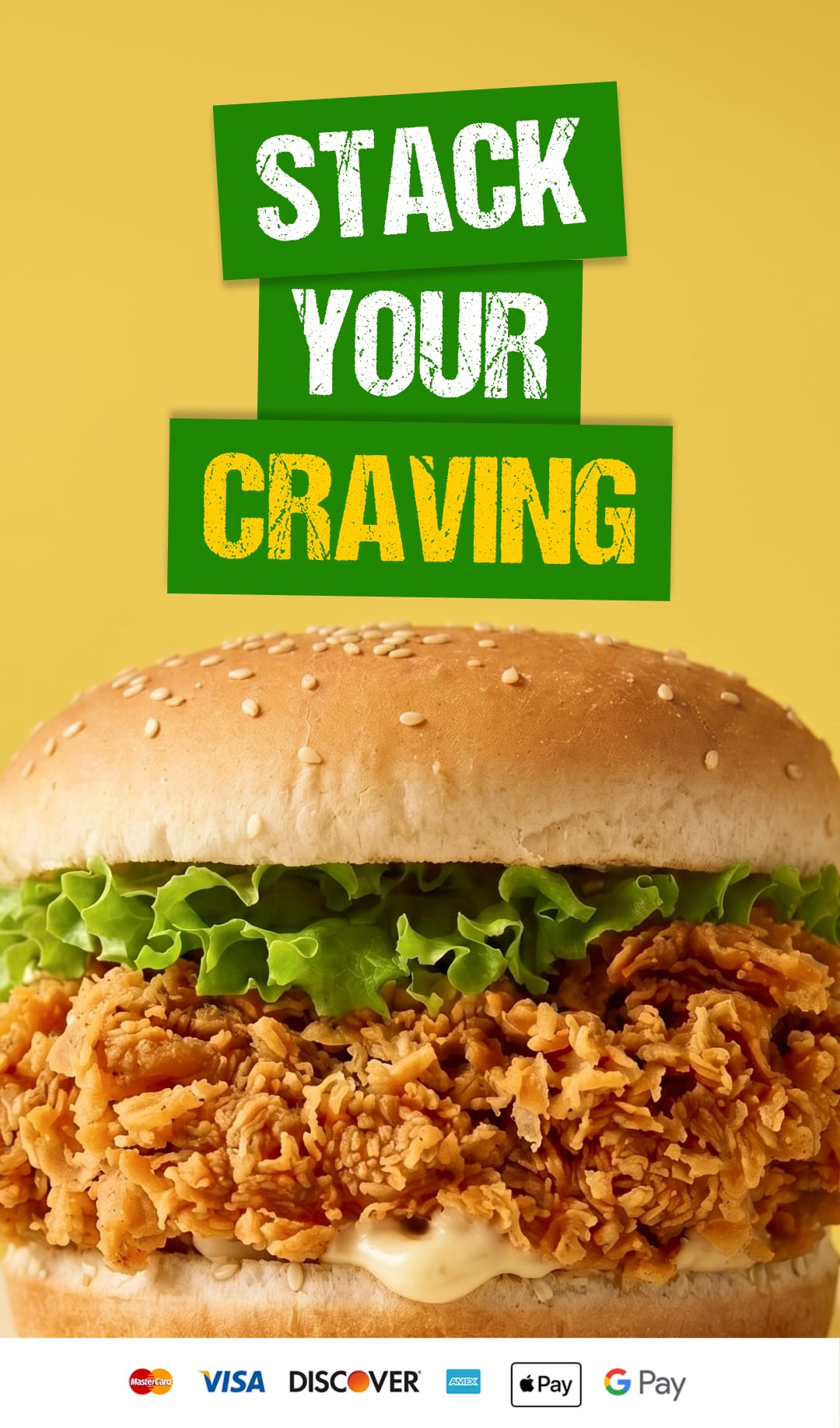
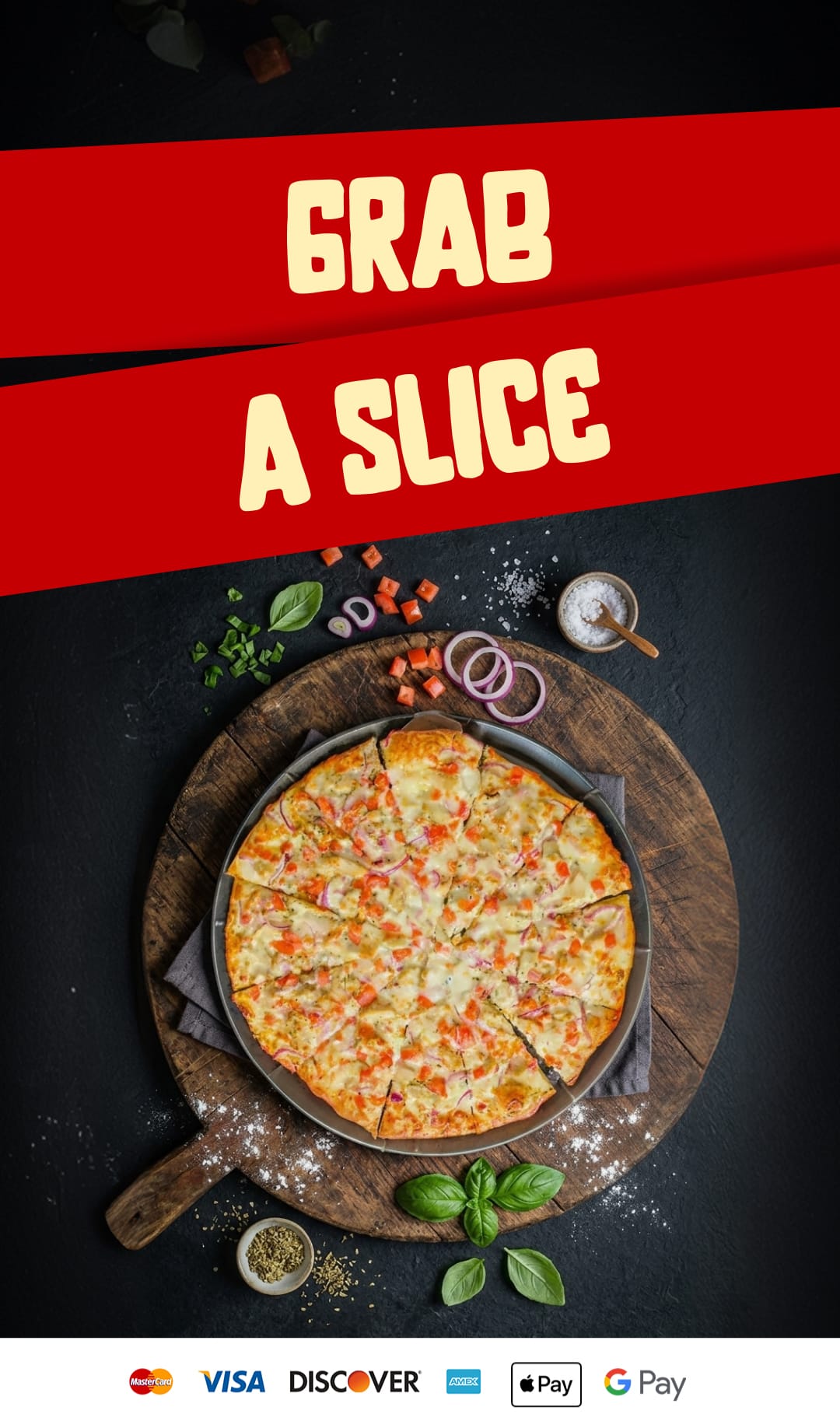
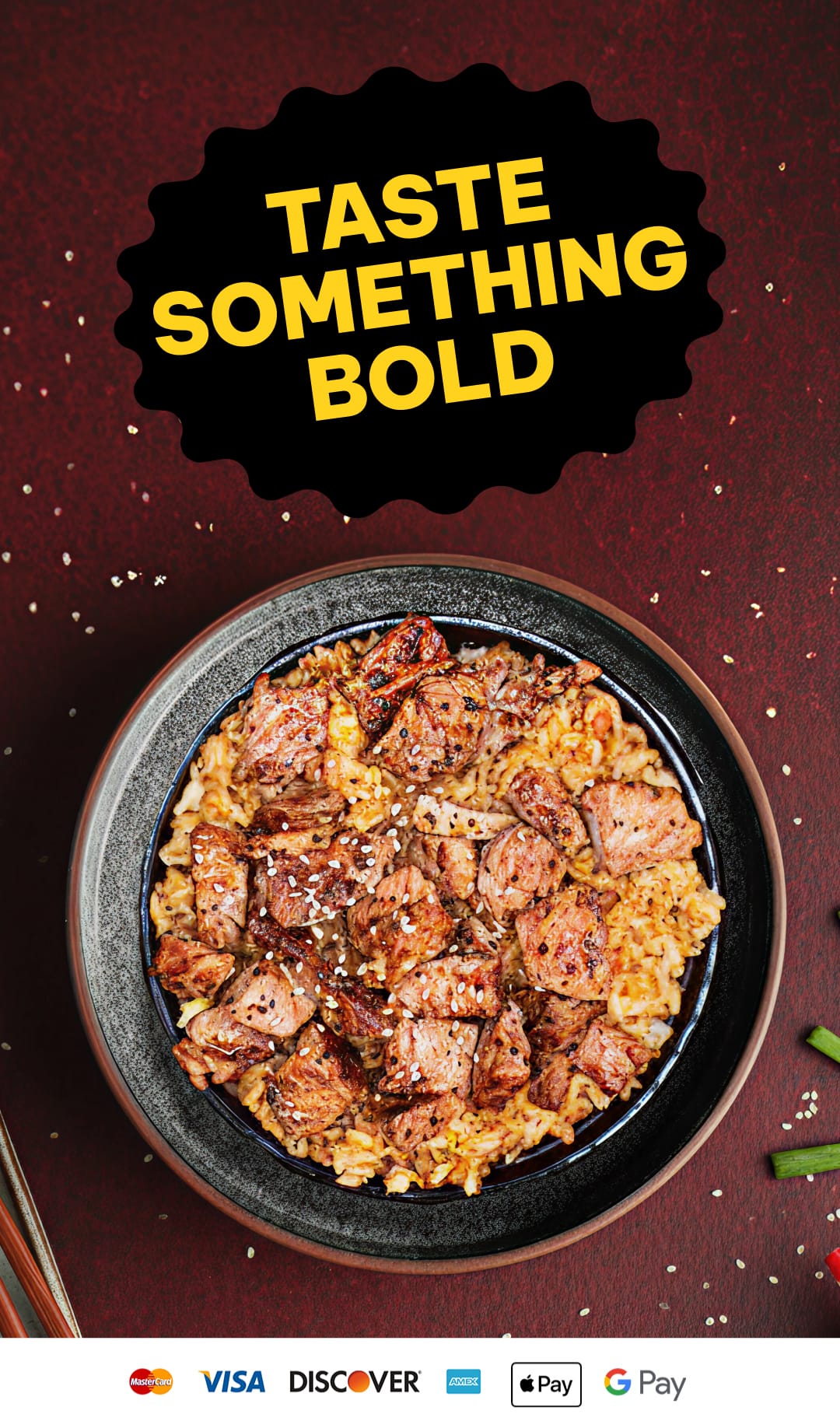
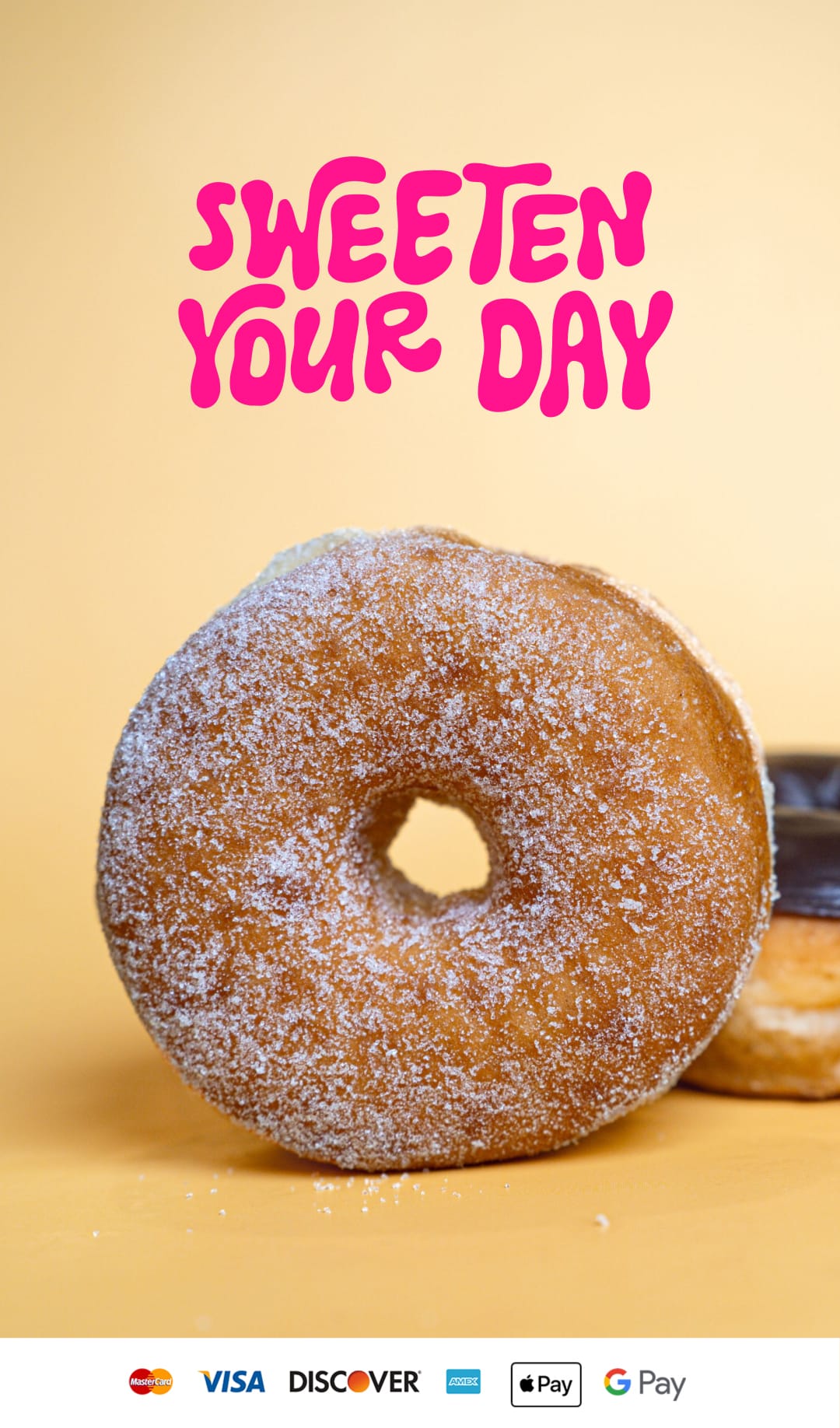
Examples from Marketing's designs.